




Yosemite National Park Landscape Photography Workshops Classes

The Week Long Photo Workshop Post-Processing Class

Included in ALL weeklong workshops

A full day of intensive post-processing instruction!

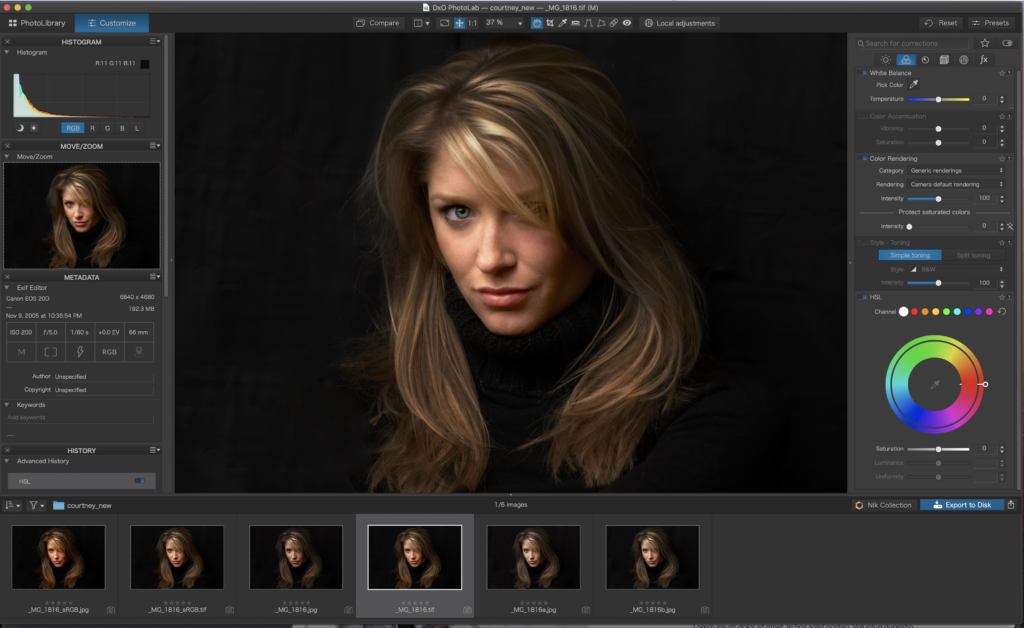
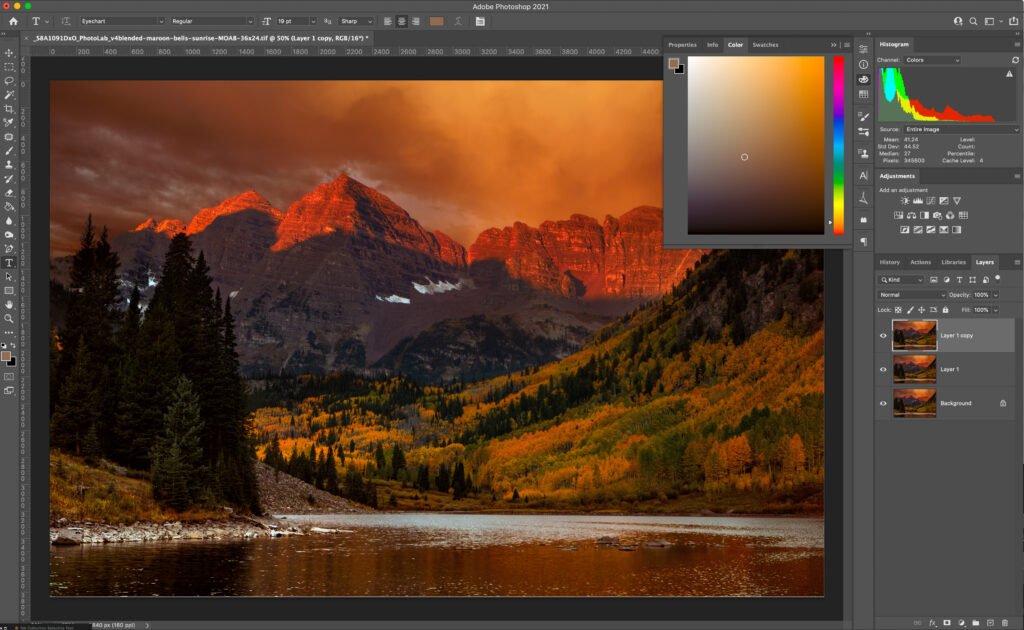
This special class is brought to you by popular demand! Students have been asking for post-processing instruction so here it is! We’ll shoot on the field Monday and Tuesday, then take Wednesday for a fully immersive, 7-hour class on every aspect of post-processing. Then, return to the field on Thursday and Friday with your new knowledge to capture Yosemite in it’s spectacular fall colors splendor!

See details below about the post-processing class and what you will learn

Your 7-hour post-processing course will cover the following topics:

Organizing Your Images

Image storage is a very subjective process, but we’ll give you some things to consider that might lead you to change the way you approach the storage and importation of your images.

Software Instruction

We’ll examine the various software titles available to prepare your image for print or use online.

i1display-pro_11 copy

Calibrate Your Screen

We’ll explain calibrating your screen for color accuracy, so be sure to bring your computer!

Understanding Color

sRGB, Adobe RGB and Pro Photo RGB; what they are, how they are different. Plus, we’ll use high-level 3D software to plot the exact colors in your image.

Digital Image Noise

Everything you ever wanted to know about noise; what it is, why it’s bad, and how to reduce or even eliminate image-killing noise.

RAW vs JPG

We’ll show you imperical evidence why RAW/TIF is the best option to get the best quality image from your camera.

Sharpening Done Right

Sharpening is an easy skill to learn. We’ll show you show sharpening works and how to sharpen correctly for both online and print output.

ICC Profiles

When you’re going to print, ICC profiles will make sure your color stays accurate. What they are and how to install ICC profiles for best results.

...and much more!